
ESP32 firmware reflash
Technical Articles
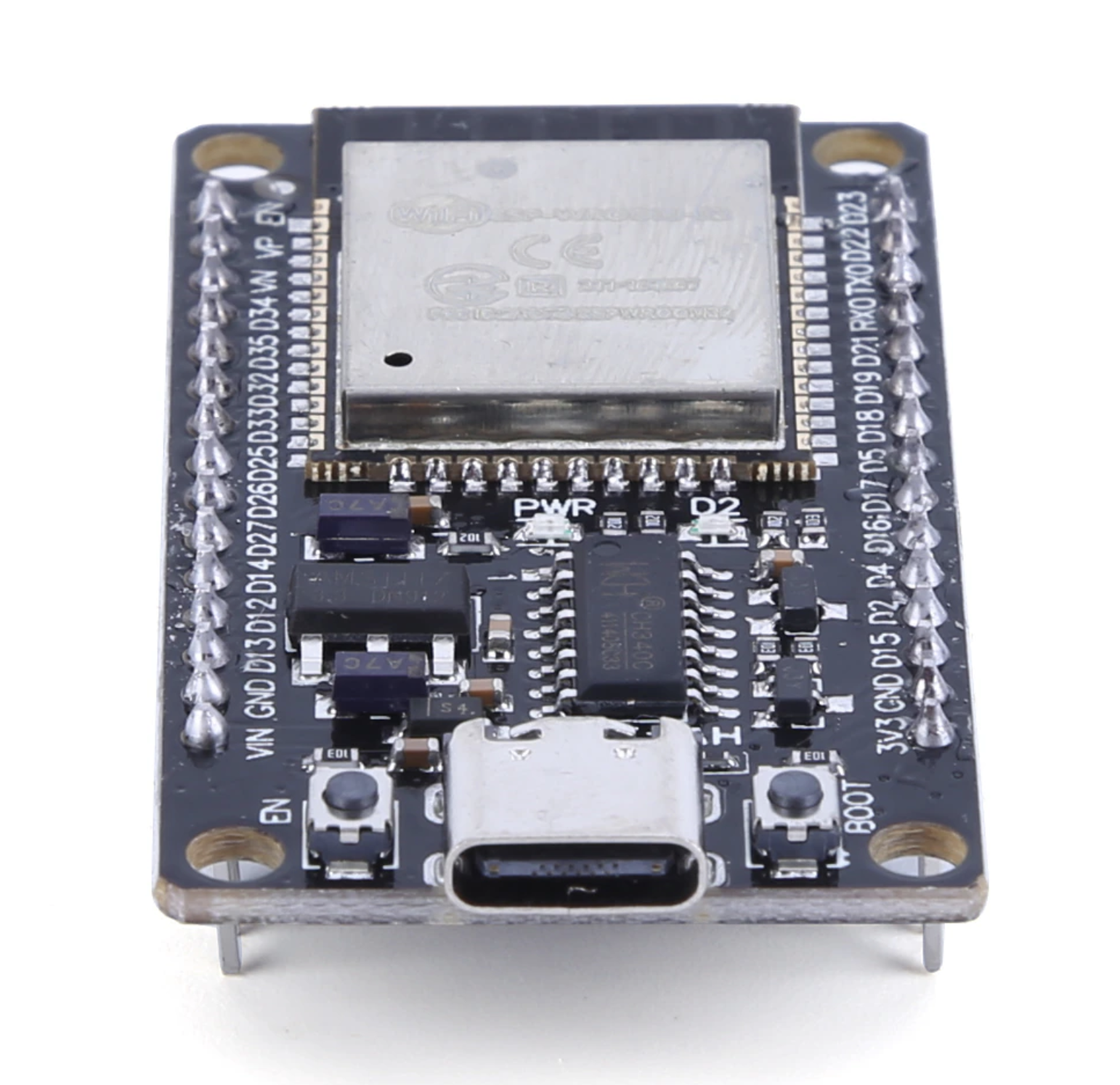
On this article we’ll walk through the process of re-flashing the firmware of an ESP32.
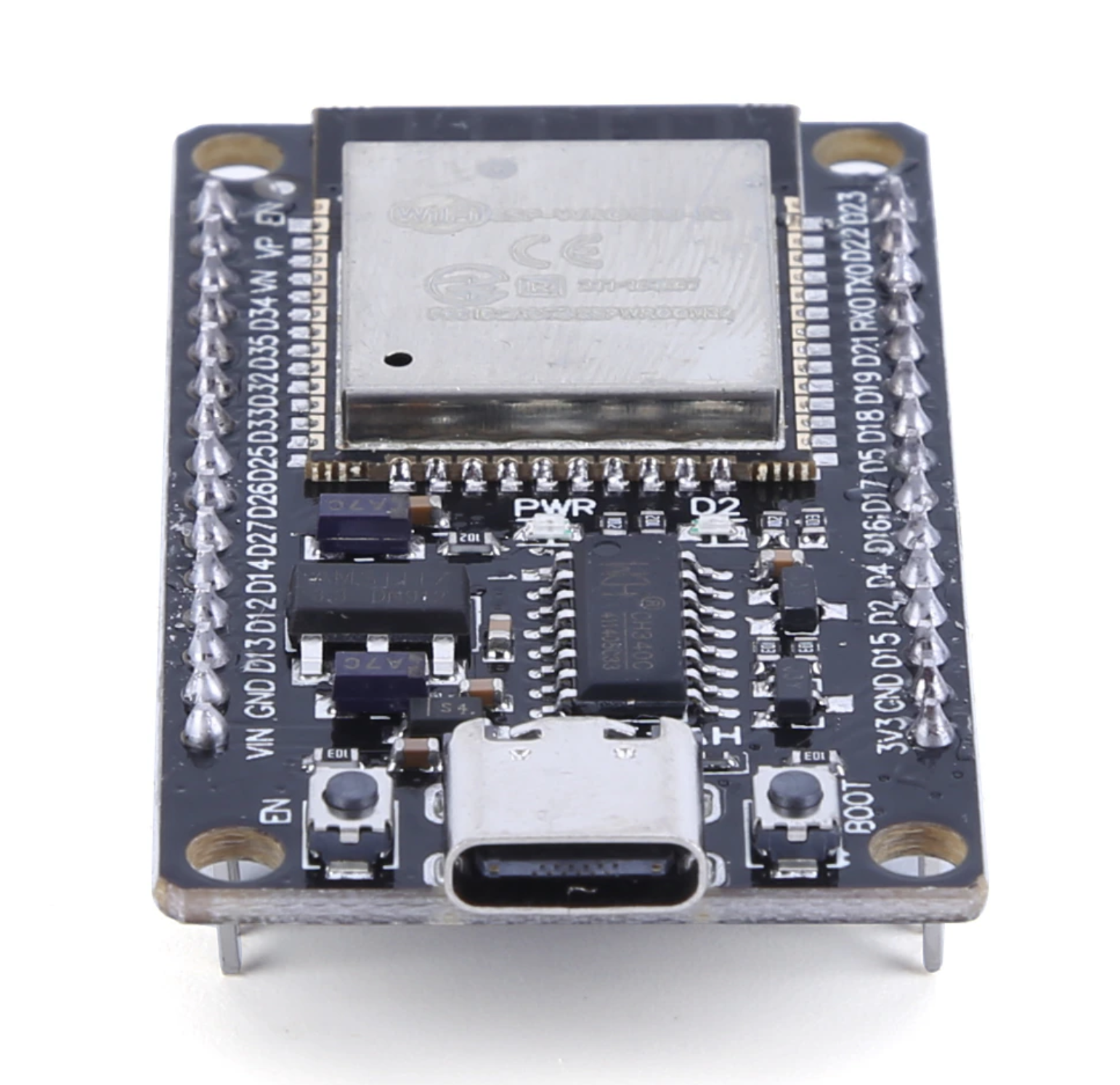
For this task we’ll use the online ESP Serial Flasher Tool.
1. Open the ESP Serial Flasher Tool in Chrome browser
Open the following URL in your Chrome Browser: https://espressif.github.io/esptool-js
2. Set the speed to 115200. Connect your board to USB, and press Connect
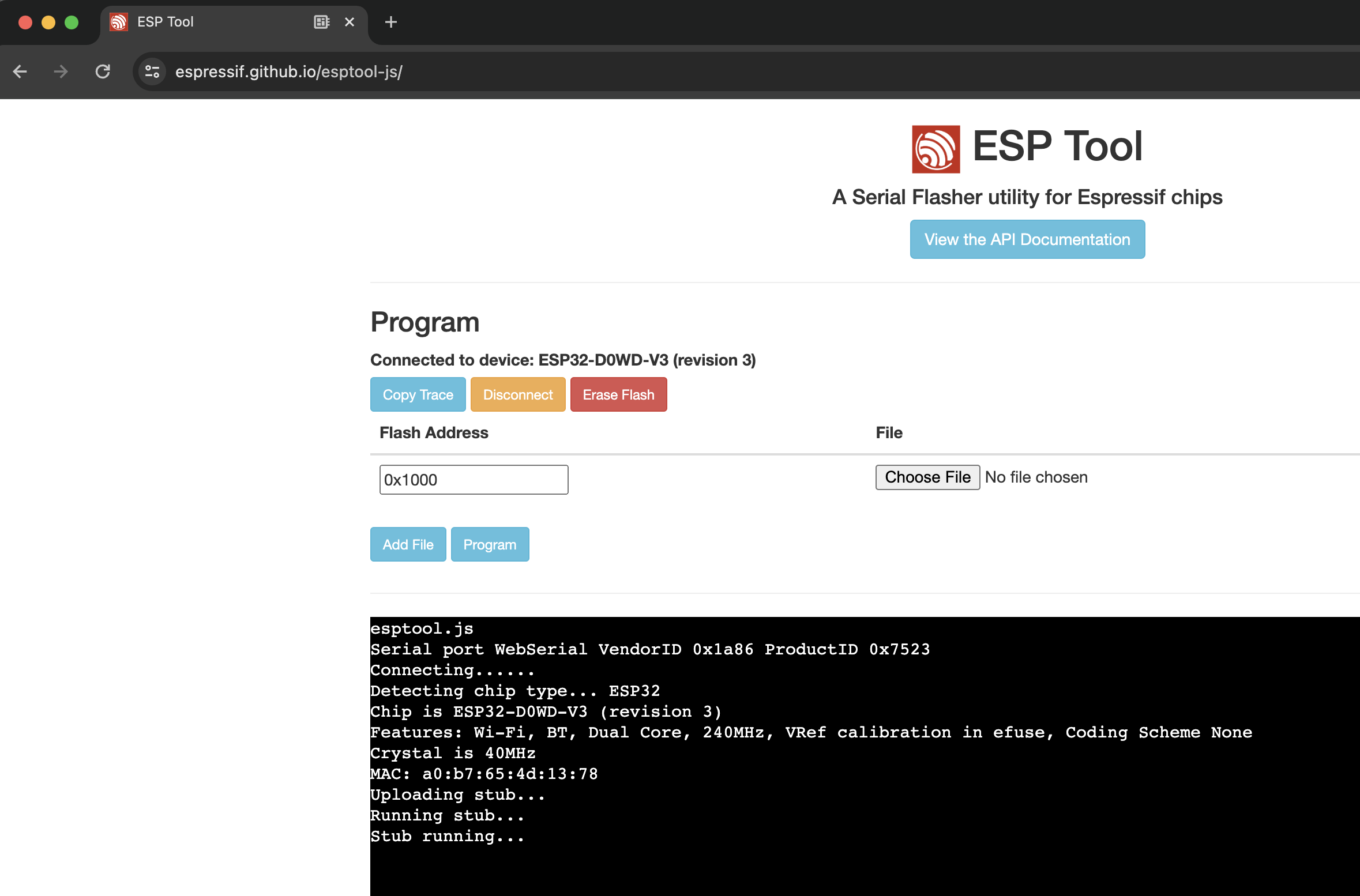
3. Press “Erase Flash” and press and hold boot button (right button)
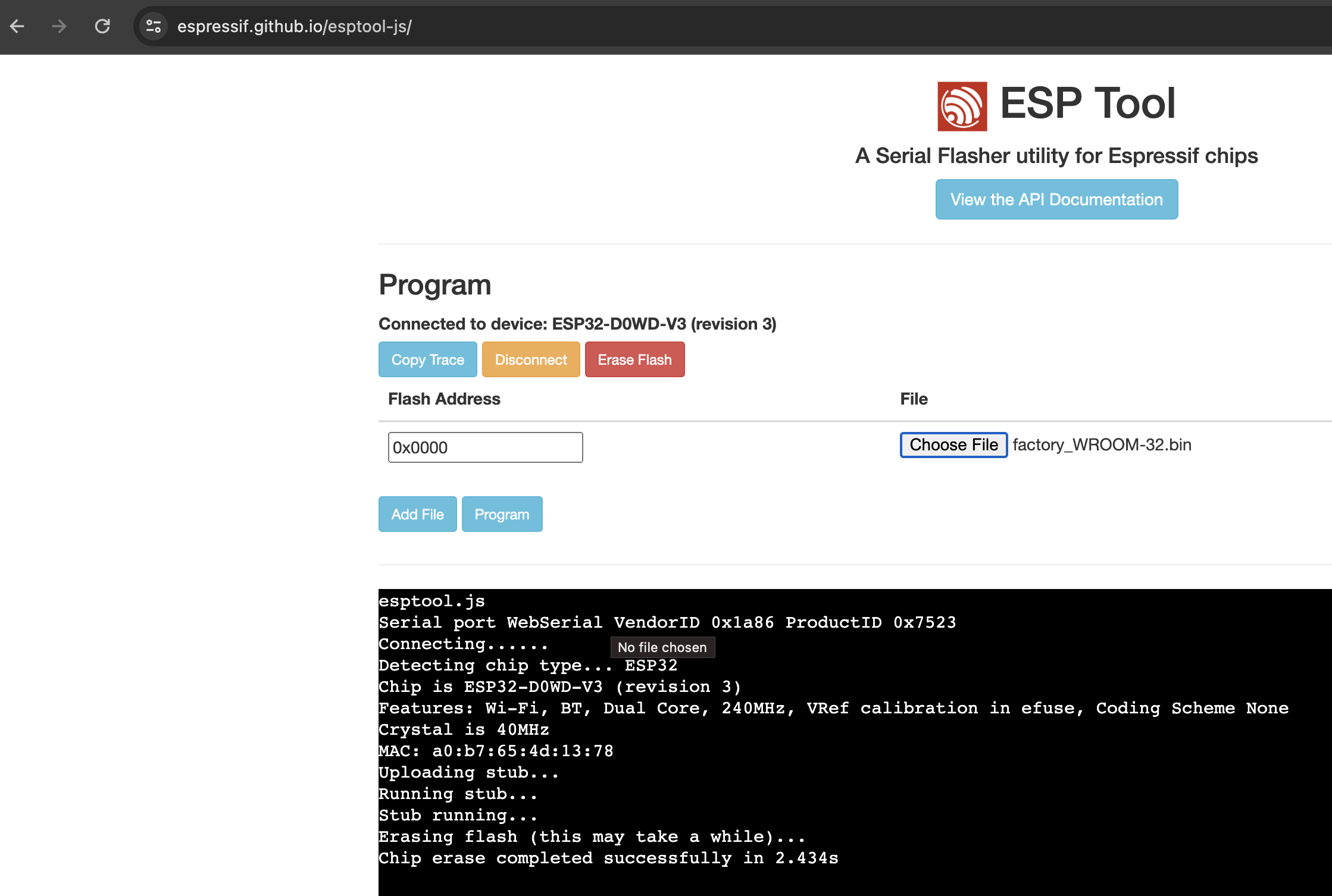
You will see a message confirming the Chip erase process completed.
4. Re-Flash firmware with image file
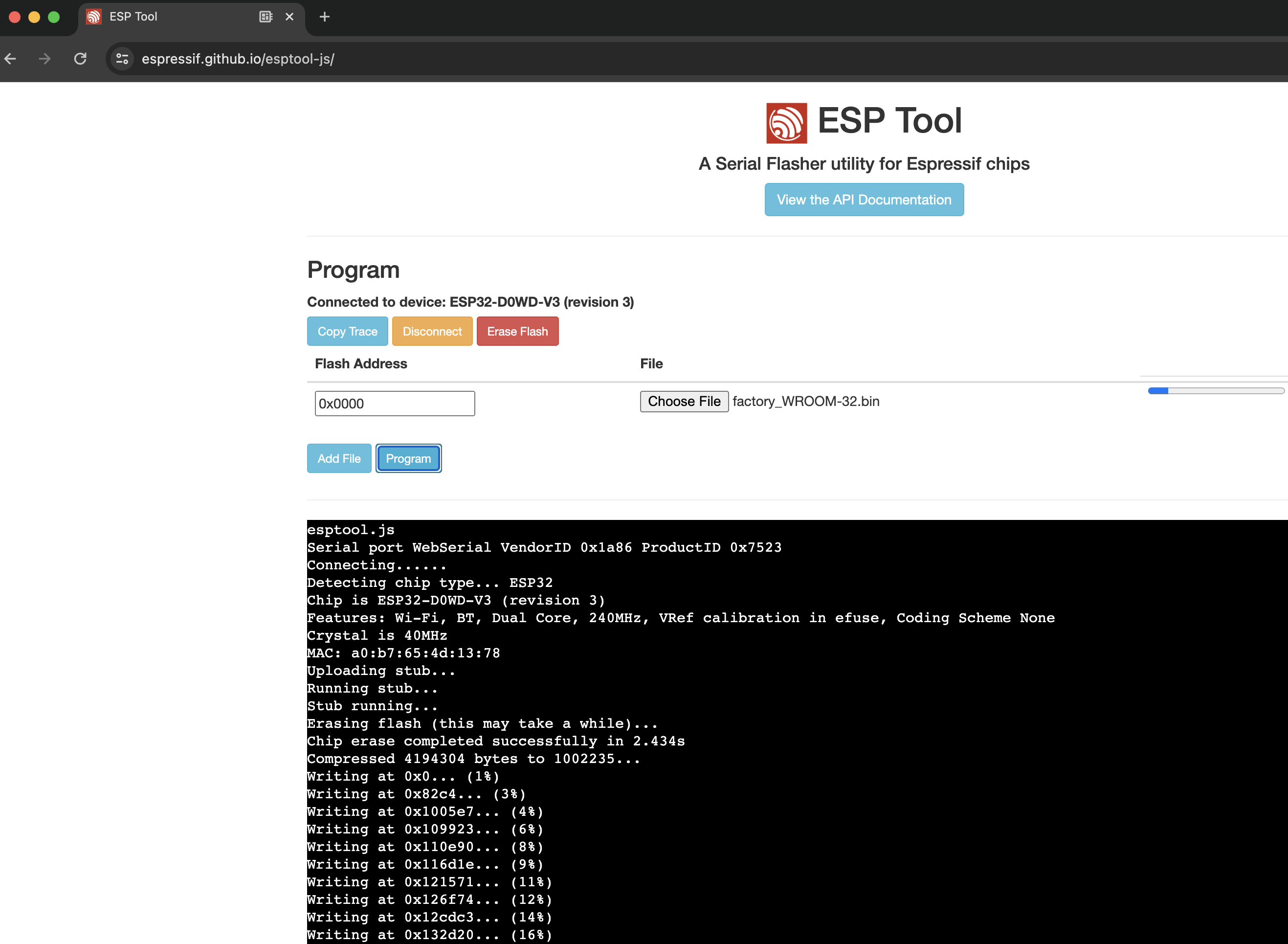
Set flash address to 0x0000 and choose file factory_WROMM-32.bin.
You can download file factory_WROMM-32.bin here. Full download list available here.
Press the “Program” button and you will see the “Writing…” logs on the console output.
5. Confirm firmware hash data verified
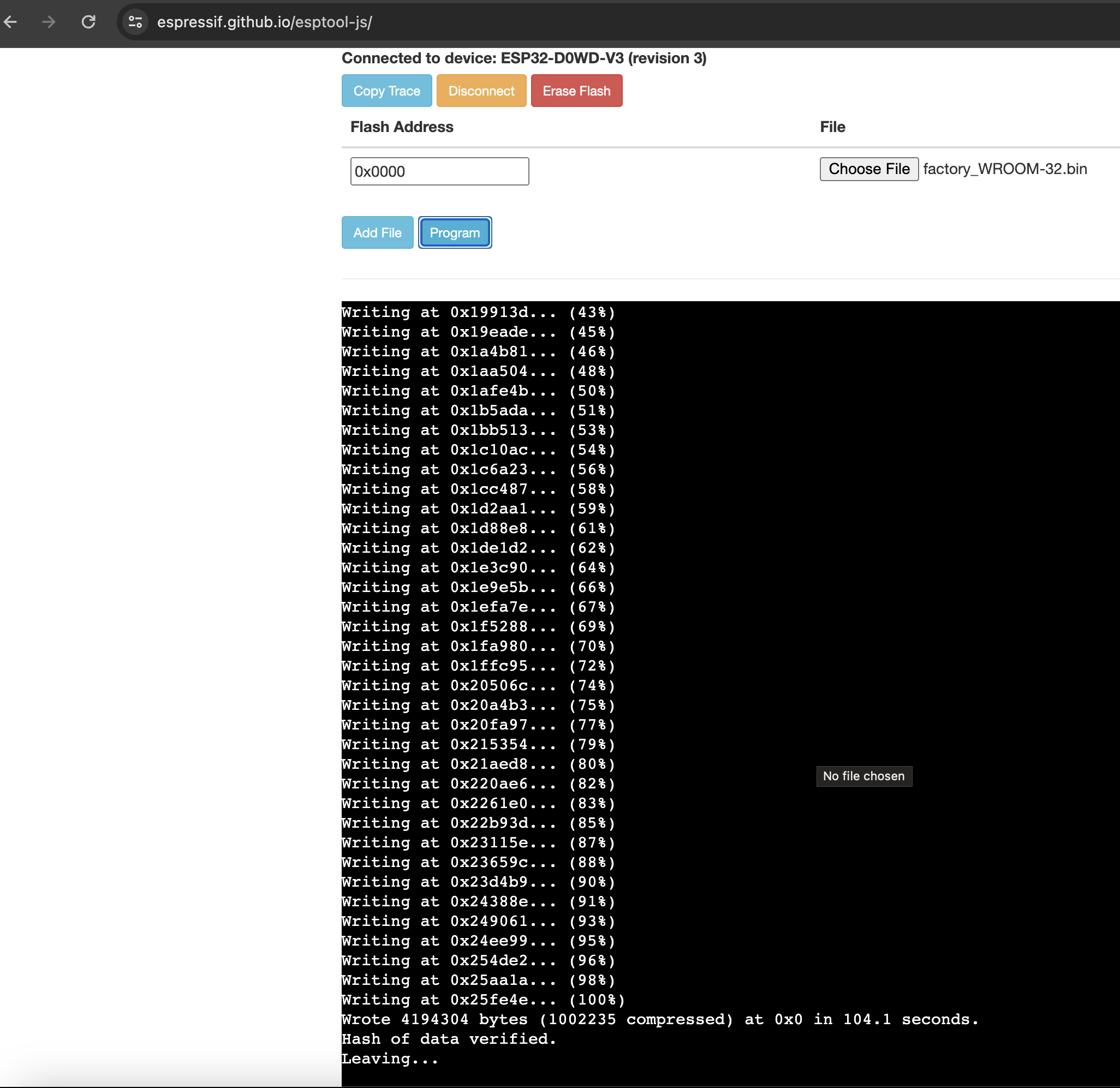
Confirm that you see the last log output indicating “Hash of data verified”.
Test your ESP32 in the Arduino IDE.